Opening an auto repair shop is one of the best small business moves you can make. People always need their cars fixed. The demand is not going anywhere. But the difference between a shop that thrives and a shop that closes in two years almost always comes down to the same thing: systems. Not talent. Not location. Not even marketing. Systems.
This guide is going to walk you through everything you need to know to open your shop the right way. We are going to cover the checklist you need to complete before you open your doors, the software that will run your operation, how to build a customer base from zero, the mistakes that kill new shops, and a 90-day plan to get you on solid ground. Let us get into it.
Before you turn a single wrench, you need to have these foundations in place. Skip any of them and you are going to be scrambling to catch up while you should be focused on fixing cars and building relationships.
Every state has different requirements, but at minimum you will need a general business license, an auto repair dealer license (required in most states), general liability insurance, garage keepers insurance to cover customer vehicles while they are in your care, and workers compensation insurance if you are hiring anyone. Some states require a motor vehicle dealer bond. Some municipalities require a special-use permit for automotive repair. Do not assume you know what you need — call your local Small Business Administration office and your state's Department of Motor Vehicles or Bureau of Automotive Repair. Get this right before you sign a lease.
Location matters, but not as much as you think. The shops that dominate are the ones with great reviews and great systems, not necessarily the ones on the busiest intersection. That said, you want a location zoned for automotive repair, with enough square footage for your planned bay count plus a waiting area, adequate electrical service (you will need 200-amp minimum for most shops), proper drainage and oil-water separator capability, and enough parking for customer vehicles, your vehicles, and your employees' vehicles.
Negotiate your lease hard. You are committing to this location for years. Push for a tenant improvement allowance, a reasonable personal guarantee structure, and options to renew. Get a commercial real estate attorney involved — the $2,000 you spend on legal review will save you $20,000 in headaches.
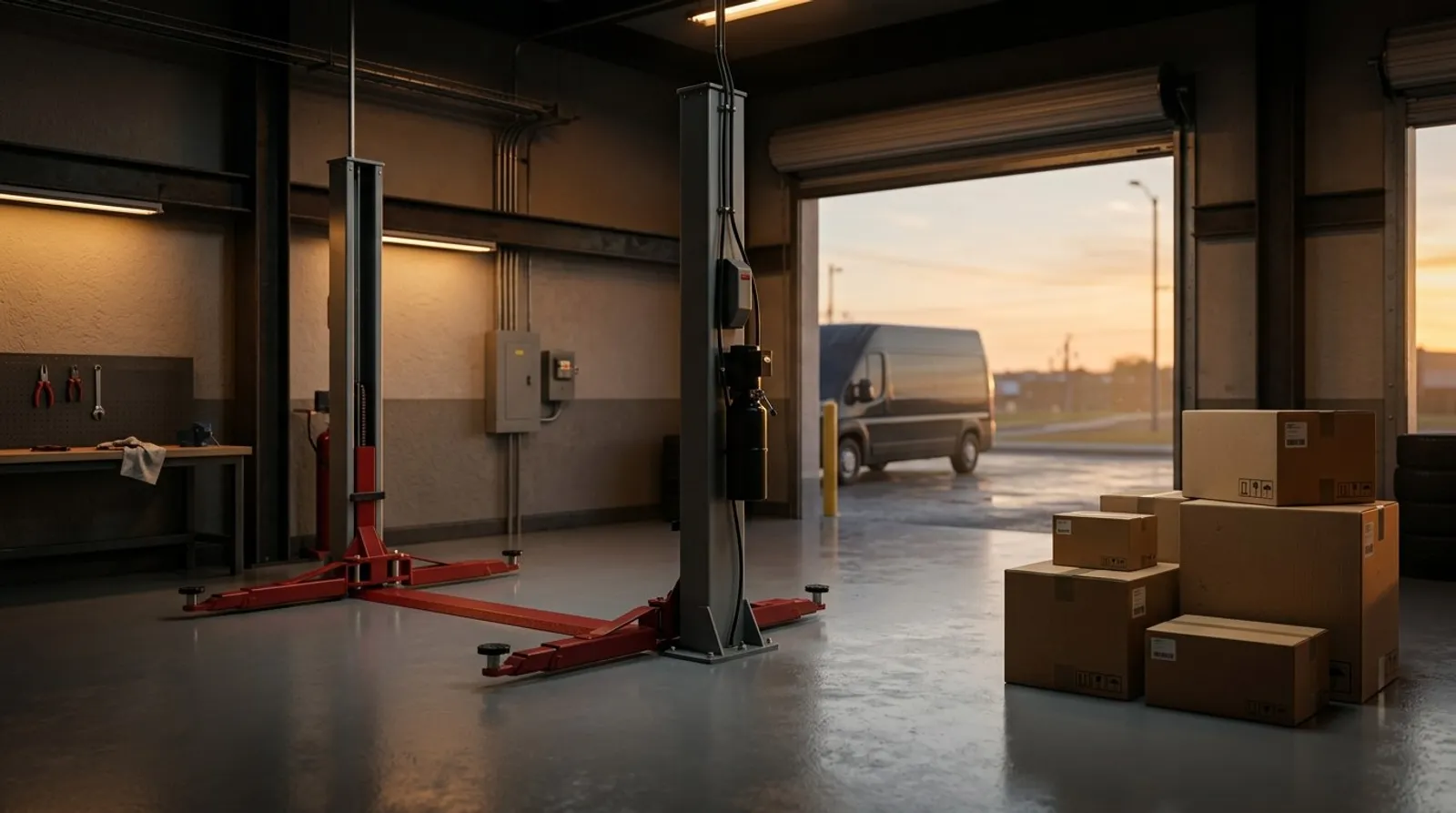
Your lifts are the backbone of your shop. Buy quality — this is not the place to cut corners. At minimum you need two-post or four-post lifts for every bay, a commercial air compressor (at least 60-gallon, two-stage), a basic hand tool set per bay (or require techs to bring their own), a diagnostic scan tool (OBD-II at minimum, a full-system scanner is better), a brake lathe, a tire machine and balancer, a parts washer, and fluid evacuation and fill equipment. An alignment machine is a significant investment but it is also a significant revenue generator. If you can swing it in your startup budget, do it. If not, plan to add one within your first year.
Set up accounts with at least two or three parts suppliers before you open. You want a primary supplier with good delivery times, a secondary for backup and price competition, and a dealer parts account for OE parts when customers request them. Negotiate your pricing tiers. As a new shop you will not get the best tier immediately, but ask about volume incentives and what it takes to move up. Every point of margin on parts flows straight to your bottom line.
This is the big one. Your shop management software is not just a tool — it is the operating system of your entire business. It touches every repair order, every customer interaction, every invoice, every follow-up. We will go deep on this in the next section, but the short version is: do not start without it, and do not start with the wrong one. Shop Commander is built specifically for shops like yours, and it is free — which means zero software overhead when you are just getting started.
Get a dedicated business phone number. Do not use your personal cell phone as your shop number. You need a system that can handle multiple incoming calls, has a professional voicemail greeting, and ideally routes calls to different people based on time of day. VoIP systems like RingCentral or OpenPhone are affordable and give you the flexibility you need. Your business number is going on your Google Business Profile, your website, your signage, and every invoice — so get it set up early.
You need both. Your Google Business Profile is how people find you when they search "auto repair near me." Your website is where they go to learn more about you and decide whether to call. Keep your website simple — you do not need anything fancy. Your shop name, your address, your phone number, your hours, your services, and a way to contact you. That is it. Make sure your Google Business Profile is claimed, verified, and completely filled out with accurate hours, services, photos of your shop, and your correct phone number and address.
Here is the single biggest piece of advice in this entire guide: do not start your shop with paper repair orders and a whiteboard.
Every shop owner who started on paper and later switched to software will tell you the same thing — they wish they had started digital from day one. Here is why: you cannot switch without pain. When you start on paper, you build habits, processes, and workflows around paper. Your team gets comfortable with paper. Your filing system is paper. And when you finally realize you need software (and you will), you have to retrain everyone, re-enter all your customer data (or lose it), and fight against months or years of ingrained habits.
Starting with software from day one means every customer's contact information is captured and searchable from their first visit. Every vehicle's service history is recorded and accessible. Every declined service is tracked and can be followed up on. Every invoice is professional, consistent, and archived. Every interaction with every customer is logged and available to your entire team.
That data becomes incredibly valuable as your shop grows. Six months in, when you want to run a campaign to every customer who declined a brake job, you can do it — because you captured that data from the start. A year in, when you want to analyze your average repair order, your close rate, your most profitable services — you have clean data to work with.
Not all shop management systems are created equal. Here is what matters for a new shop:
Digital Vehicle Inspections (DVIs) — Customers expect photos and videos of what is wrong with their car. DVIs build trust, increase approval rates, and make you look professional from day one. Your inspection results should be shareable via text with one tap.
Two-Way SMS — Your customers do not answer phone calls anymore. They text. You need a system where texting is built into every repair order, not bolted on as an afterthought. Status updates, estimate approvals, inspection results — all via text.
Scheduling & Workflow — A visual job board that shows you exactly where every car is in your process. Drag-and-drop workflow management so you can see your shop's status at a glance. No more walking the shop floor to figure out what is going on.
Invoicing & Payments — Professional invoices with itemized parts and labor. Integrated payments so customers can pay by card, or even better, pay via a link you text them. No more chasing checks or running to the bank.
CRM & Follow-Ups — Your software should automatically track declined work and follow up at 7, 30, and 60-days. It should make it easy to run seasonal campaigns. It should generate Google review requests after every completed job. This is how you grow — by staying in front of every customer, every time.
Here is the reality of opening a new shop: every dollar counts. You are paying for a lease, insurance, equipment, parts inventory, signage, utilities, and payroll. The last thing you need is another monthly bill eating into your runway.
Shop Commander is $0 per month. Not a trial. Not a limited version. Not "free for 30 days." Every feature, every user, no monthly fees, no per-user charges, no credit card required. That means you get the same digital inspections, two-way SMS, automated follow-ups, integrated payments, Google review pipeline, Kanban workflow, and AI-powered tools that shops paying $300-500/month to competitors get — for nothing.
When you are a new shop trying to make it to profitability, eliminating a $200-500/month software expense is not trivial. That is $2,400-6,000 per year that stays in your pocket. Over the life of your business, that is tens of thousands of dollars. See how Shop Commander's pricing compares to the competition.
And because Shop Commander was built by a mechanic running a real shop, it is designed for the way shops actually work — not the way a Silicon Valley product team imagines shops work. Read the story behind Shop Commander.
One of the biggest advantages of starting with Shop Commander is how fast you can be up and running. There is no six-week onboarding process, no implementation consultant, no training sessions you have to schedule. Here is the full setup, step by step:
Create your account. No credit card. No contract. No commitment. You are in.
Enter your shop name, address, phone number, hours of operation, and tax rates. This information populates your repair orders, invoices, and customer-facing communications. Get it right the first time and you will not have to think about it again.
Shop Commander uses a Kanban-style job board to track every vehicle through your process. The default columns work great for most shops, but you can customize them to match exactly how your shop operates. Think of it as a digital version of your whiteboard — except it updates in real time, everyone can see it, and nothing falls through the cracks.
Canned jobs are pre-built service templates — oil changes, brake pads, timing belt replacement — with parts, labor, and descriptions already filled in. Building your canned jobs library up front saves you enormous time when writing repair orders. Instead of typing out every line item from scratch, you select a canned job and adjust as needed. If you are coming from another system, you can import your existing library.
Shop Commander records payments in any method your shop accepts — credit, debit, cash, cheque, e-transfer — with split payments and full payment tracking. Invoices are delivered as secure links via SMS, so customers see the full invoice on their phone and pay at pickup. Every payment stays linked to its repair order, and a QuickBooks-compatible CSV export keeps your books in sync.
Two-way SMS is built into every repair order in Shop Commander. You'll get a dedicated phone number for your shop so you can text customers directly from the platform. Status updates, inspection results, estimate approvals, payment links — everything goes through text. SMS is free and unlimited, like everything else. This is the single biggest improvement you can make to your customer communication.
Add your technicians, service writers, and anyone else who needs access. Shop Commander supports unlimited users with role-based access control, so your techs see what they need and your front counter sees what they need. No per-user fees.
You are live. Create your first customer, add their vehicle (Shop Commander decodes the VIN automatically for free using NHTSA data), and write your first repair order. From here, every customer, every vehicle, every service, every declined job, and every interaction is captured and working for you.
Explore every feature you get on day one →
This is the part that scares most new shop owners. You have the space, the equipment, the software — but no customers. Here is how you build a customer base systematically, starting from nothing.
Your Google Business Profile is your single most important marketing asset. When someone searches "auto repair near me" or "mechanic near me," Google decides which shops to show based largely on your GBP. Here is how to optimize it: fill out every single field — services, description, hours, attributes. Upload at least 10-15 high-quality photos of your shop, your bays, your team, and your equipment. Post updates weekly — Google rewards active profiles. And most importantly, get reviews. More reviews and better reviews mean higher rankings. Period.
This is where Shop Commander gives new shops a massive advantage. After every completed job, Shop Commander can automatically send a review request to the customer. The flow is simple: the customer gets a text asking about their experience. Happy customers are directed straight to your Google review page. This means you start accumulating reviews from your very first customer. By the time you have been open 90 days, you could have 30, 50, or even 100 genuine Google reviews — and that puts you ahead of established shops that have been around for years but never asked for reviews.
Shop Commander includes built-in seasonal campaign tools. Once you have a customer database (and you will, because every customer is captured from day one), you can run targeted campaigns. Pre-winter inspections in the fall. AC service campaigns in the spring. Back-to-school vehicle checks in August. These campaigns keep you in front of customers who have already trusted you with their car, and they drive repeat business that is far more profitable than constantly chasing new customers.
Every shop has customers who decline recommended work. Maybe they could not afford it right now. Maybe they wanted to think about it. Maybe they just said no. Most shops never follow up on declined work — it just disappears. Shop Commander automatically tracks every declined service and follows up at 7, 30, and 60-days with a personalized message. This is not spam. This is genuine customer care — reminding someone that their brake pads were at 2mm and it has been 60 days. Industry data shows that 15-25% of declined work converts on follow-up. On average, that is thousands of dollars per month in recovered revenue. Learn more about maximizing revenue with Shop Commander.
We see the same mistakes over and over from new shop owners. Every one of these is avoidable if you set up the right systems from the start.
We covered this above, but it bears repeating. Paper repair orders, spreadsheet tracking, and whiteboard workflow management are a trap. They feel simpler in the short term and cost you enormously in the long term. Every day you operate without software is a day of customer data you will never get back. Shop Commander is free. There is no reason to start without it.
Every customer who walks through your door has a name, a phone number, an email, and at least one vehicle. If you are not capturing all of that information in a system you can search, filter, and market to, you are throwing away your most valuable asset. Your customer database is what makes your shop worth something beyond the value of your equipment. Build it from day one.
Paper inspection sheets are forgettable. A digital inspection with photos of worn brake pads, a video of a leaking CV boot, and a clear green-yellow-red scoring system is undeniable. DVIs increase approval rates by 20-40% because customers can see the problem with their own eyes. They also build trust — you are not just telling someone they need brakes, you are showing them. Shop Commander's DVI system includes photo and video markup, AI-powered tech note cleanup that turns technician shorthand into professional customer-facing language, and one-tap sharing via text. Read our digital inspection best practices guide.
If you are still calling customers to approve estimates, you are losing money. Phone calls go to voicemail 60-70% of the time. Texts get read within three minutes 95% of the time. The math is simple. Text your customers status updates, inspection results, estimate approvals, and payment links. Shop Commander builds SMS into every repair order — it is not a separate tool, it is part of your workflow.
New shop owners are terrified of charging too much. So they set their labor rate $20-30 below the market and think they will make it up in volume. They will not. Your labor rate needs to cover your overhead, your technician pay, your benefits, your insurance, and leave room for profit. Research the going rate in your area and price accordingly. You are not competing on price — you are competing on quality, communication, and convenience. Learn how to increase your average repair order.
We mentioned this in the customer-building section, but it is also one of the biggest mistakes new shops make. When a customer declines a brake job, most shops just move on. But that customer still needs brakes. Someone is going to do that job. If you follow up at 30 days with a friendly reminder, there is a very good chance it is going to be you. Automated follow-ups in Shop Commander make this effortless — set it and forget it.
Here is a practical timeline for your first three months. Follow this and you will be in a stronger position than shops that have been open for years.
Week 1-2: Get Shop Commander fully configured. Build your canned jobs library. Set up integrated payments and SMS. Make sure every team member is trained on the system. Write your first repair orders and work through the workflow end to end — from check-in to inspection to estimate to approval to work to invoicing to payment. Iron out the kinks now.
Week 3-4: Focus on Google Business Profile optimization. Upload photos. Write your business description. Start asking every single customer for a Google review. With Shop Commander's automated review pipeline, this happens without you thinking about it. Your goal by the end of month one: at least 10-15 genuine Google reviews.
By now you have a month of data in Shop Commander. Look at it. How long are cars sitting in each workflow stage? Where are the bottlenecks? Are estimates getting approved quickly or are they sitting? Is your team using SMS to communicate with customers or are they falling back on phone calls?
Start your first seasonal campaign. Even if your customer list is only 50-100 people, reach out to them. An oil change reminder, a pre-summer AC check, a winter prep package — whatever makes sense for the season. These campaigns cost you almost nothing and they drive repeat visits from customers who already know and trust you.
Review your declined jobs. Who said no to something last month? Follow up. Shop Commander does this automatically, but check the results. How many declined jobs are converting? What is the revenue impact?
Ninety days in, you have real data to work with. Pull your reports. What is your average repair order? What is your closing rate on estimates? What are your most profitable services? Which technicians are most productive? Where is your revenue coming from — new customers or repeat customers?
Use this data to make decisions. If your average repair order is low, focus on thorough inspections and identifying everything the vehicle needs. If your estimate approval rate is low, focus on your inspection presentation and customer communication. If you are not getting enough new customers, double down on Google Business Profile and reviews.
By the end of month three, you should have established systems that run without you managing every detail. Your workflow should be smooth. Your customer communication should be mostly automated. Your review pipeline should be generating reviews consistently. And you should have a clear picture of what is working and what needs to improve.
The shops that follow this playbook in their first 90 days build a foundation that compounds over time. Every review makes you more visible. Every captured customer becomes a future campaign target. Every followed-up declined job becomes recovered revenue. The systems do the work — you just have to set them up right.
Ready to set up your new shop the right way? See everything Shop Commander includes, check the pricing (it is free), or reach out to us directly. We have helped dozens of new shops start strong, and we would be glad to help you too.
See how free software puts money back in your pocket →
Proven strategies to boost your ticket average →
Train your front counter to sell more work →
Get more approvals with better inspections →
Why independents are winning the repair game →
Every feature. Every user. $0/month. No credit card. No catch. Set up in 10 minutes and start building your shop on a real foundation.