ShopTalk
The built-in team forum for ideas, bug reports, and announcements — with voting and screenshots.
The best ideas for running your shop come from the people running it — and they usually evaporate in a hallway conversation. ShopTalk is a built-in forum where the team posts ideas, reports problems, and sees what got done about them.
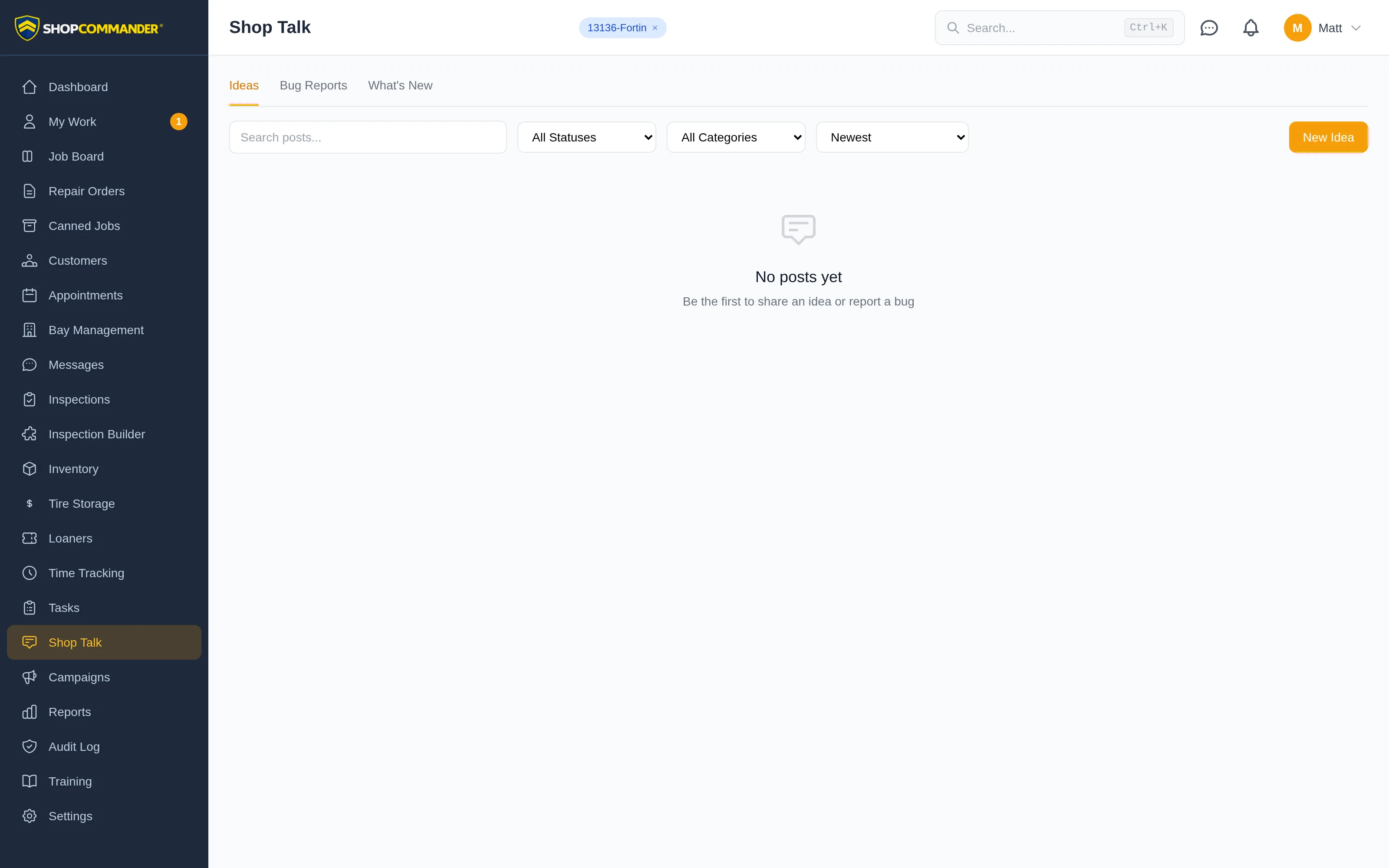
Three feeds
- Ideas — suggestions and improvements. Anyone can post; everyone can vote.
- Bug Reports — something not working right, with an urgency level from Low to Critical.
- What's New — announcements from the owner: changes shipped, new processes, version notes with dates.
Filter any feed by status or category, search it, and sort by Newest, Most Voted, Most Commented, or Recently Updated.
Posting
Click New Idea (or Report Bug) and write it up: title, details, and a category. Attaching evidence is the easy part — paste a screenshot straight from the clipboard with Ctrl+V, drag images anywhere onto the form, browse for files, or shoot a photo with the tablet camera. A picture of the actual screen beats three paragraphs of description every time.
Prefer to keep your name off it? Check Post anonymously. Honest feedback beats attributed feedback, and sometimes anonymity is what makes it honest.
Voting and status
Every idea and bug carries a vote button. Teammates upvote what matters to them, and sorting by Most Voted turns the feed into a ranked to-do list built by the people on the floor.
Each post carries a status badge so nothing disappears into a void. Ideas move through New → Reviewing → Planned → Building → Shipped; bugs move through New → Confirmed → In Progress → Fixed. When something ships, everyone who cared about it can see that it shipped — which is exactly what keeps people posting the next idea.
Discussion
Click any post to open it. Comments support threaded replies and image attachments — paste screenshots into a comment the same way you do into a post. The post page also shows its status history, so you can trace an idea from first suggestion to shipped.
ShopTalk pairs naturally with Tasks: when an idea gets the votes and the green light, turn it into a task with an owner and a due date, and watch it actually happen.
Next: Users & Roles — who's on the team and what they can do.