Campaigns & Follow-Up
Build consent-aware campaigns and work declined or deferred opportunities without assuming universal automation.
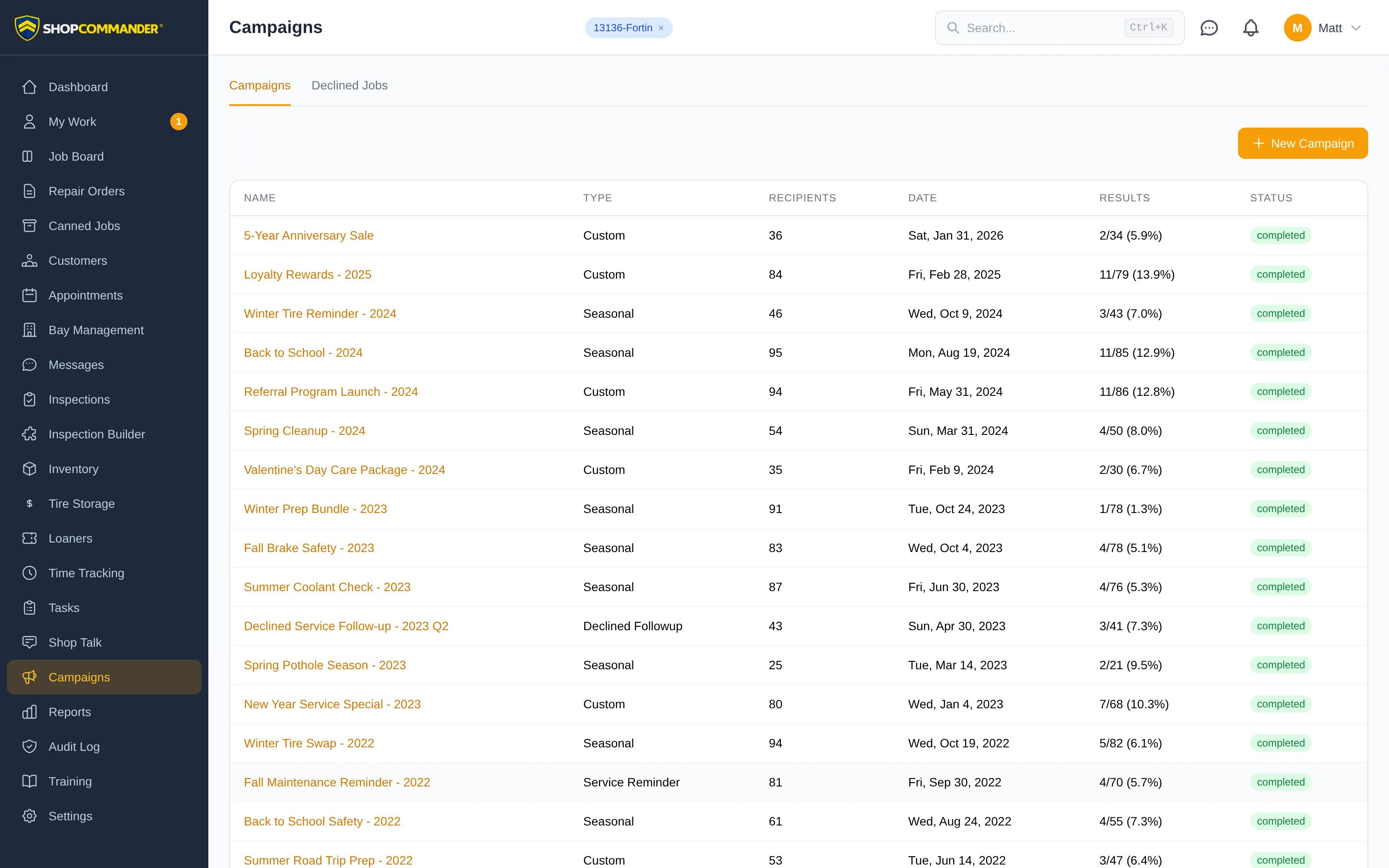
Campaigns is an optional CRM/marketing workspace. Current access depends on the enabled capability, effective permission, configured sending channel, templates, customer consent, and provider readiness.
Build a campaign
Choose the current campaign type/audience controls exposed by the product, define the real eligible audience, review the message and estimated recipients/segments, then schedule or send through the normal confirmation flow. A preview is not a send, and a scheduled row is not delivery.
Declined and deferred are different
Customer-declined and shop-deferred work remain linked to their originating service line and decision. Use Work Opportunities for a focused human queue. A configured follow-up workflow may contact eligible customers, but there is no universal 7/30/60 promise and no opportunity counts as recovered sales until the work returns and is earned.
Feedback
The public feedback route records the customer response when that workflow is enabled and a valid link exists. Follow the resulting callback/support task in its source workspace. Do not claim a Google review, conversion, or revenue outcome from a link send alone.
Results
Campaign reports distinguish send/delivery/response and attributed sales according to the current report definition and period. Provider failure, opt-out, suppression, and unavailable attribution remain visible rather than becoming zero or success.
Read SMS estimates
The composer identifies GSM-7 or Unicode and estimates segments for the template. Unicode uses smaller segments, and some symbols take two encoded units. For example, an em dash followed by 70 letters needs two segments before any provider text conversion. Accented characters such as é and à remain GSM-7. The preview and send confirmation disclose the estimate's per-segment rate and its limits: personalization, provider encoding and carrier fees can change the final cost.
Campaign history uses shop time. Scheduled dates stay calendar dates, with their configured send time; they are not shifted through UTC.
AI draft refusals
The message step explains when AI Customer Content is unavailable. Ask an owner to review Features & Modules and provider setup. A refused draft shows the server reason beside the editor and retains your message; no campaign is sent by drafting.