Check-Ins
Configure QR self-check-in, review matched or unmatched arrivals, and acknowledge the live front-counter queue.
Customers check themselves in by scanning a QR code in your waiting area. The front counter sees them appear in a live queue the moment they do — no line at the desk, no one standing around wondering if anyone noticed them.
How customers check in
Your shop gets its own public check-in page. Print the QR code poster from Settings and put it on the counter or the waiting room wall. When a customer scans it, they land on a branded page with your shop name and logo, and identify themselves two ways:
- Phone Number — the fastest option for most people.
- License Plate — handy when the vehicle is the thing you know them by.
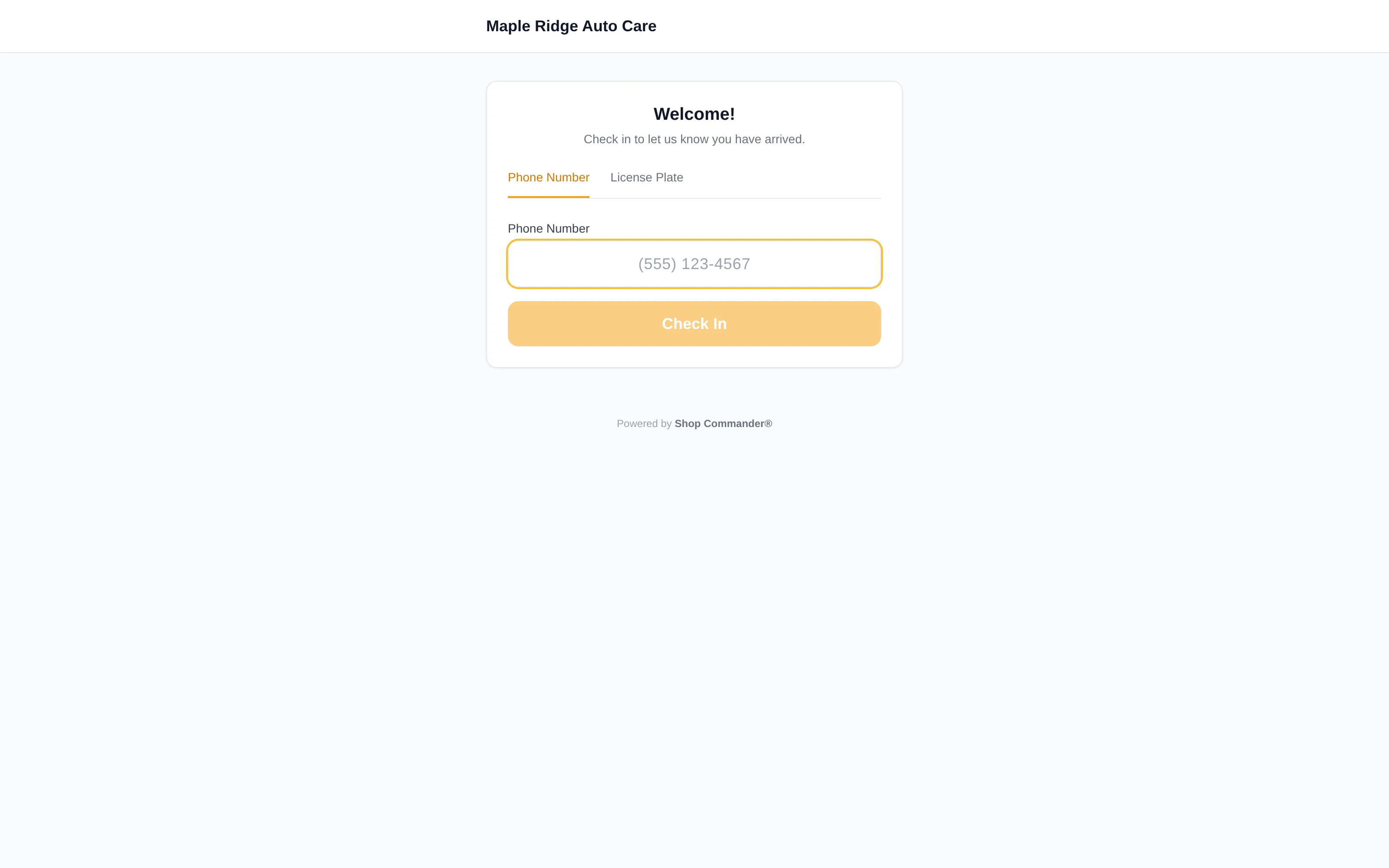
They tap Check In and get a confirmation screen — returning customers are greeted by name. If they have an appointment today, Shop Commander automatically marks it as arrived on the Appointments calendar.
The check-in queue
The Check-in Queue is where public arrivals land. Current sessions receive live updates; refresh/retry remains the safe fallback if a device has lost its real-time connection.
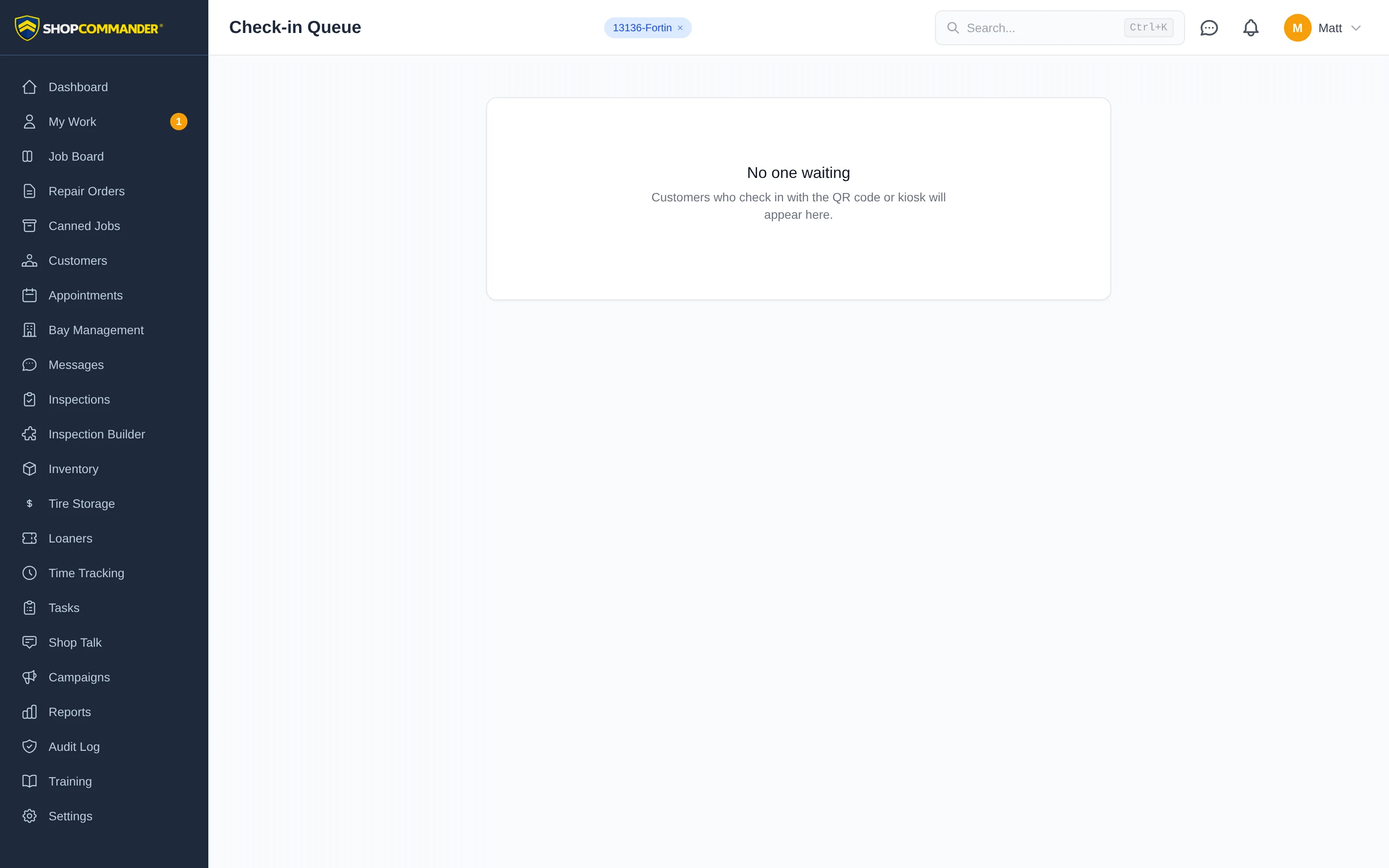
Each row shows:
- Who — the customer's name, linked straight to their profile in Customers.
- What they drive — the matched vehicle, when there is one.
- How and when — QR check-in, plus how long ago it happened. Nobody should wait ten minutes without you knowing it.
- Notes — anything attached to the check-in.
If someone checks in with a phone number or plate that doesn't match a customer on file, the row shows as an unmatched check-in with the identifier they used — so you can still greet them and get them into the system.
Acknowledging
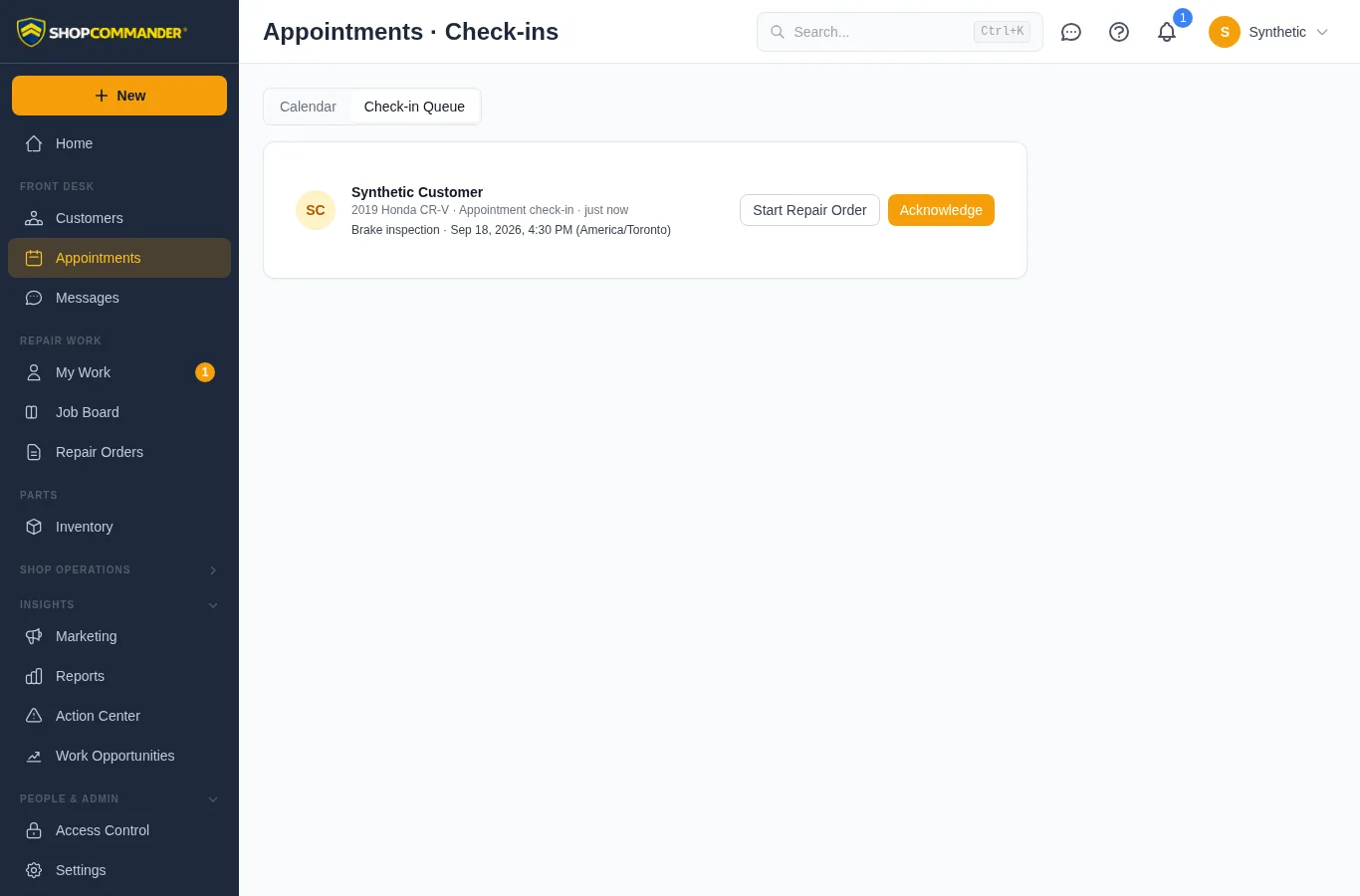
When the front counter has completed the handoff, use Acknowledge. This records the queue action and removes the active wait item for connected viewers. It does not by itself create a repair order or prove that every intake step is complete.
Why it matters
The worst first impression a shop can make is a customer standing at an empty counter. The check-in queue turns arrival into a signal your whole team sees, timestamps every wait, and makes "someone will be right with you" actually true.
Next: My Work — where each tech sees exactly what's on their plate.
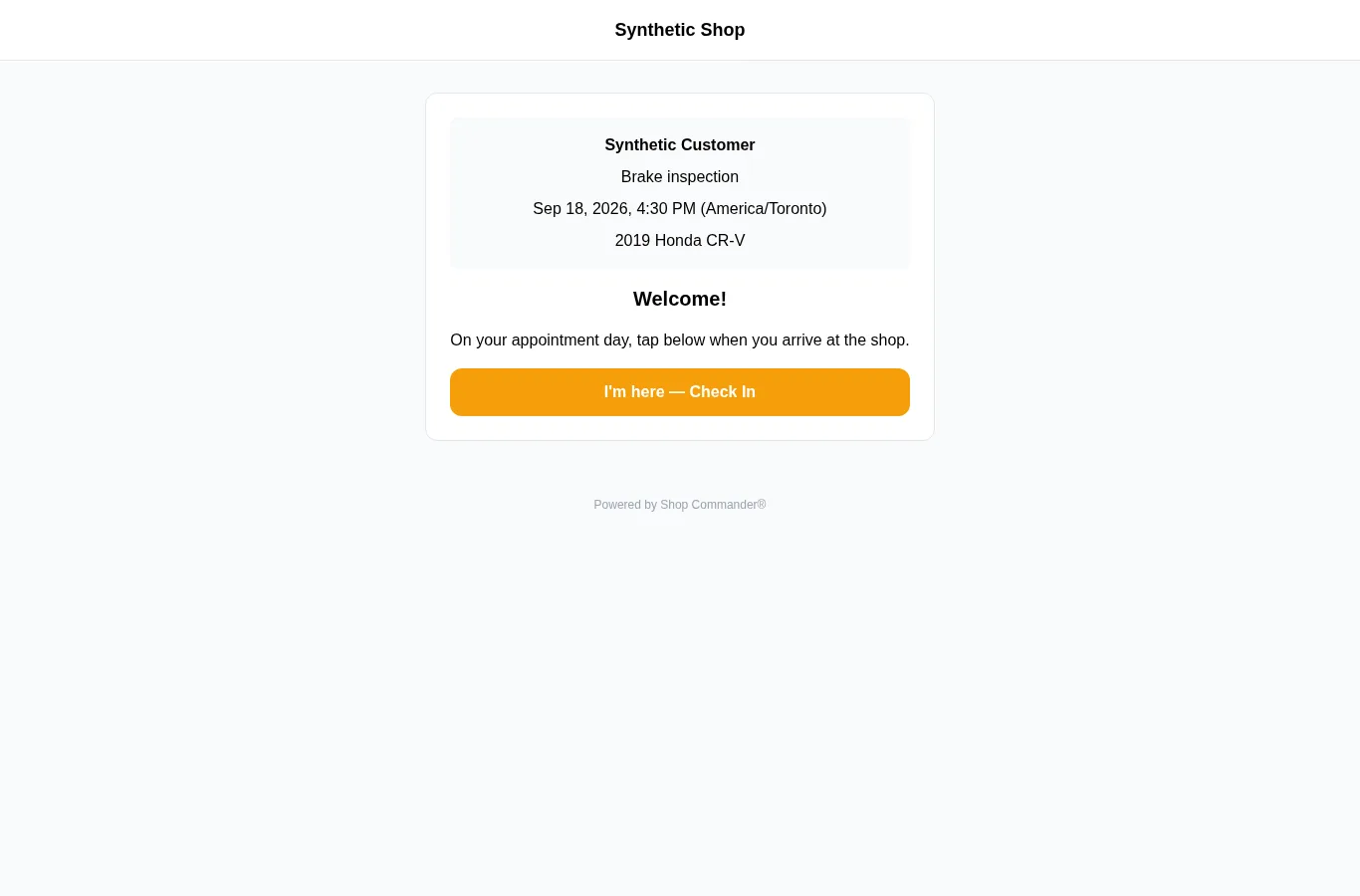
Confirm the appointment before arrival
The private appointment check-in link shows the customer, service, scheduled date and time, shop timezone and vehicle before I’m here — Check In. Its private token is removed from the browser address before the appointment read. Opening the link does not check the customer in. A failed read provides retry/front-desk guidance and keeps arrival unavailable; future-day appointments explain when check-in becomes available.
After arrival, the same appointment details remain visible. Reopening a valid link for an already-arrived visit shows the checked-in state without offering another arrival. Cancelled, changed-identity, revoked and expired links cannot expose appointment context. The staff queue shows the linked service and slot beside the vehicle; times retain the appointment’s shop timezone even on a device in another timezone.