What Your Customer Receives
The links your shop sends — estimates, inspection reports with photos, and a personal customer portal. No app, no login.
Customer-facing estimate, invoice, inspection, agreement, booking, and portal workflows use scoped public links where the current feature provides one. The customer does not need a ShopCommander employee account; the link token and current record state govern what can be viewed or acted on.
The estimate link
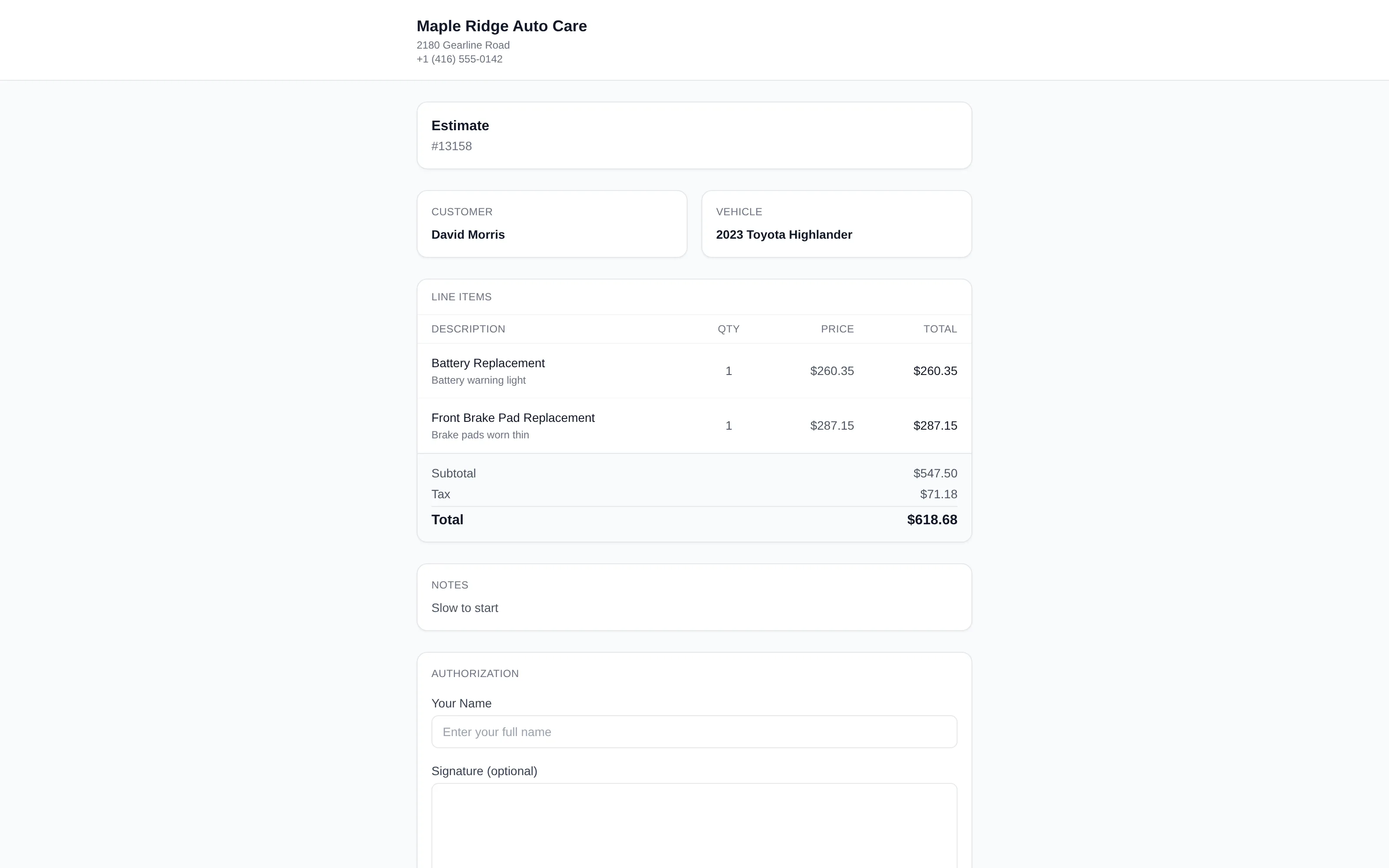
When you send an estimate, the customer sees a clean page with your shop's name and logo, every line of recommended work with pricing, and the ability to approve or decline line by line — declining a line updates the total live, and a signature seals the approval. The full workflow is covered in Estimates & Approvals.
The inspection report
The inspection link turns your tech's digital inspection into something a customer actually understands:
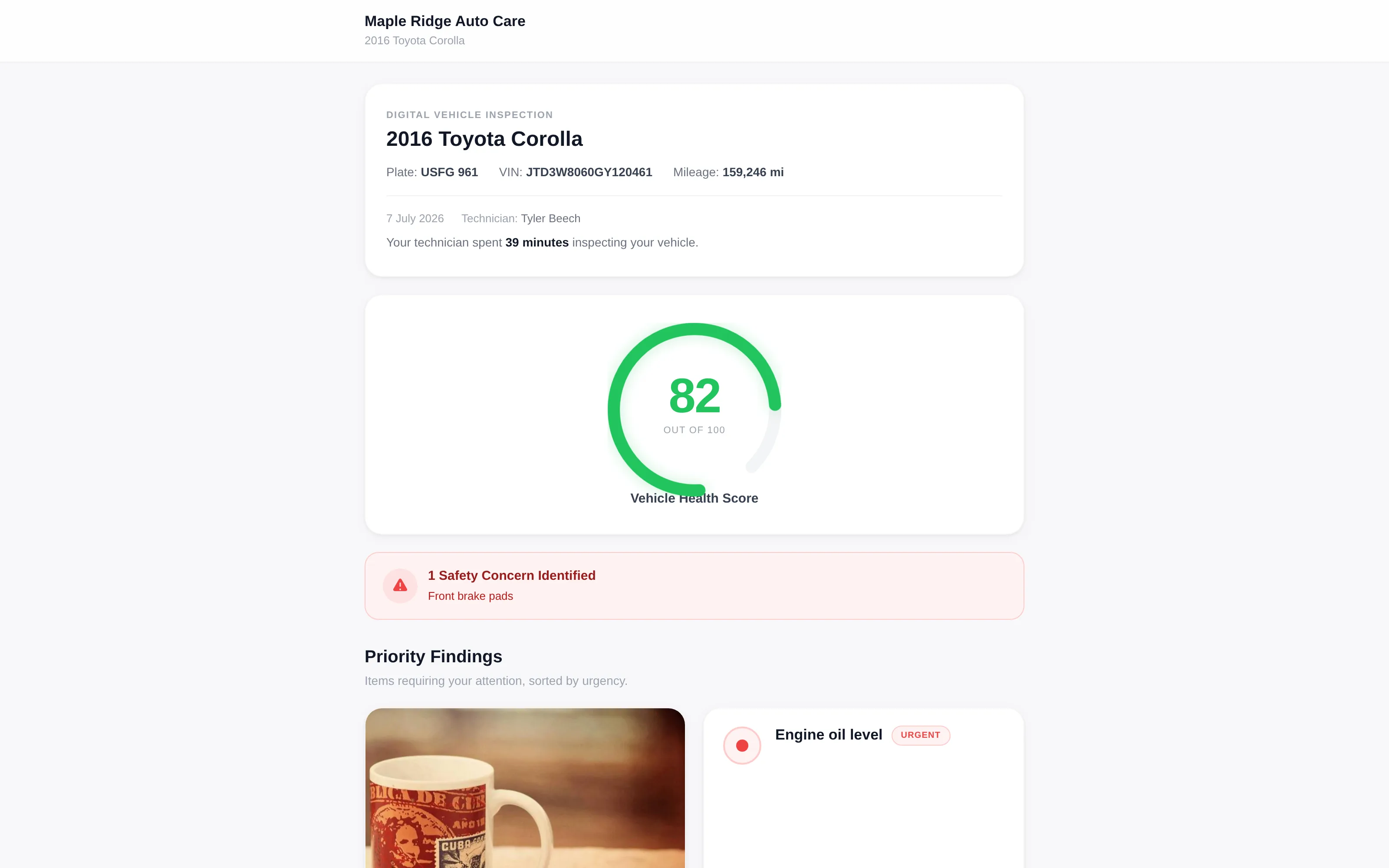
- Vehicle Health Score — an animated 0–100 gauge up top, so the overall condition lands before a single line item.
- Color-coded findings — every item is green, yellow, or red. No jargon required to know what's urgent.
- Photos — tap available finding photos to view the evidence, including saved annotations.
- Then vs. now — items show the previous visit's condition and measurement next to today's, so customers watch that tire tread trend toward the wear bars over time.
- Estimated costs — flagged items can carry an estimated cost right on the report.
- Request Estimate — one button on the report notifies your shop in real time that the customer wants numbers.
The shop can review recorded engagement events such as view duration and supported item interactions. Treat those events as delivery/view context, not proof that the customer understood or authorized work.
The customer portal
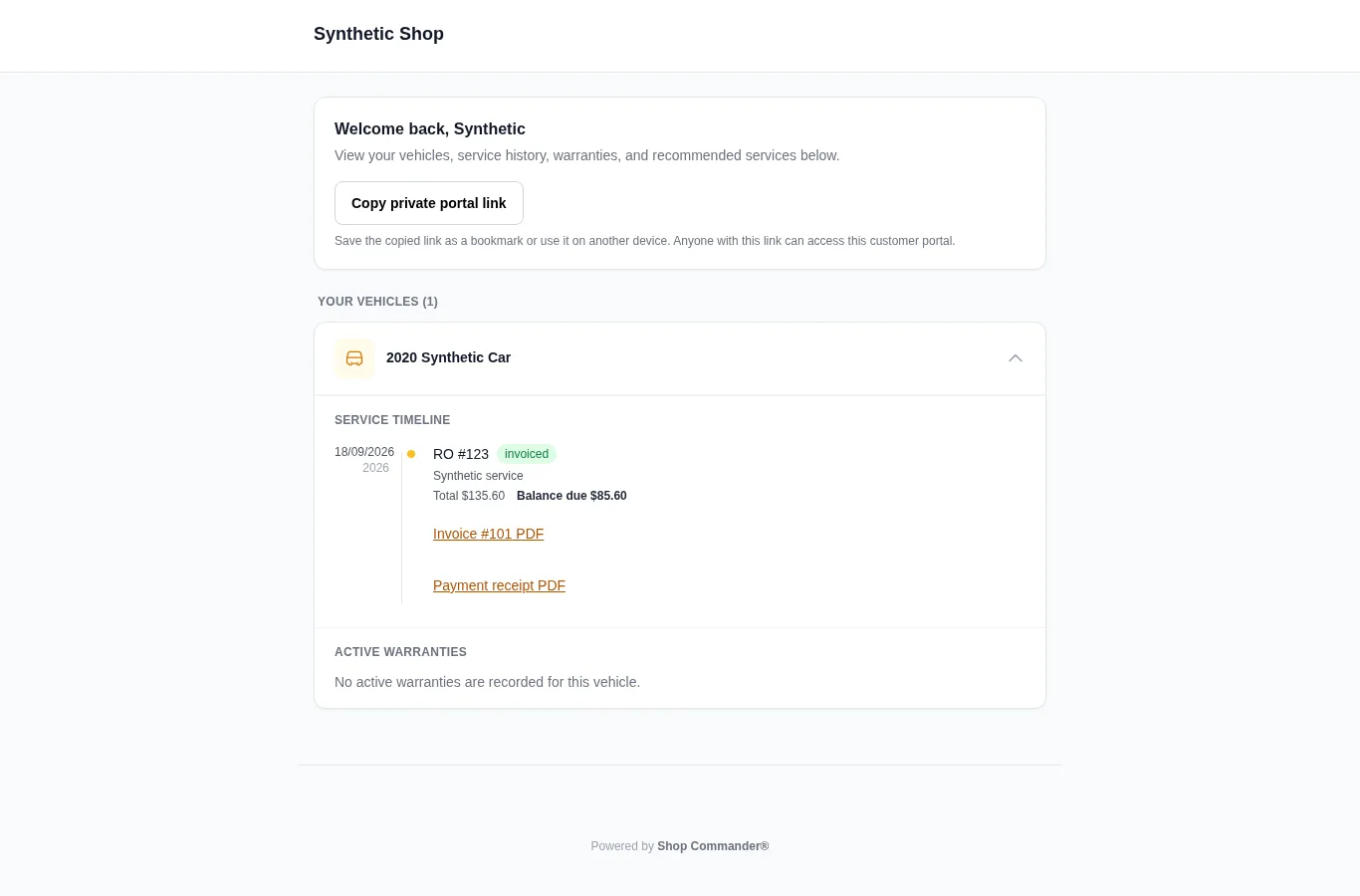
Every customer has their own secure portal link — their whole relationship with your shop on one page:
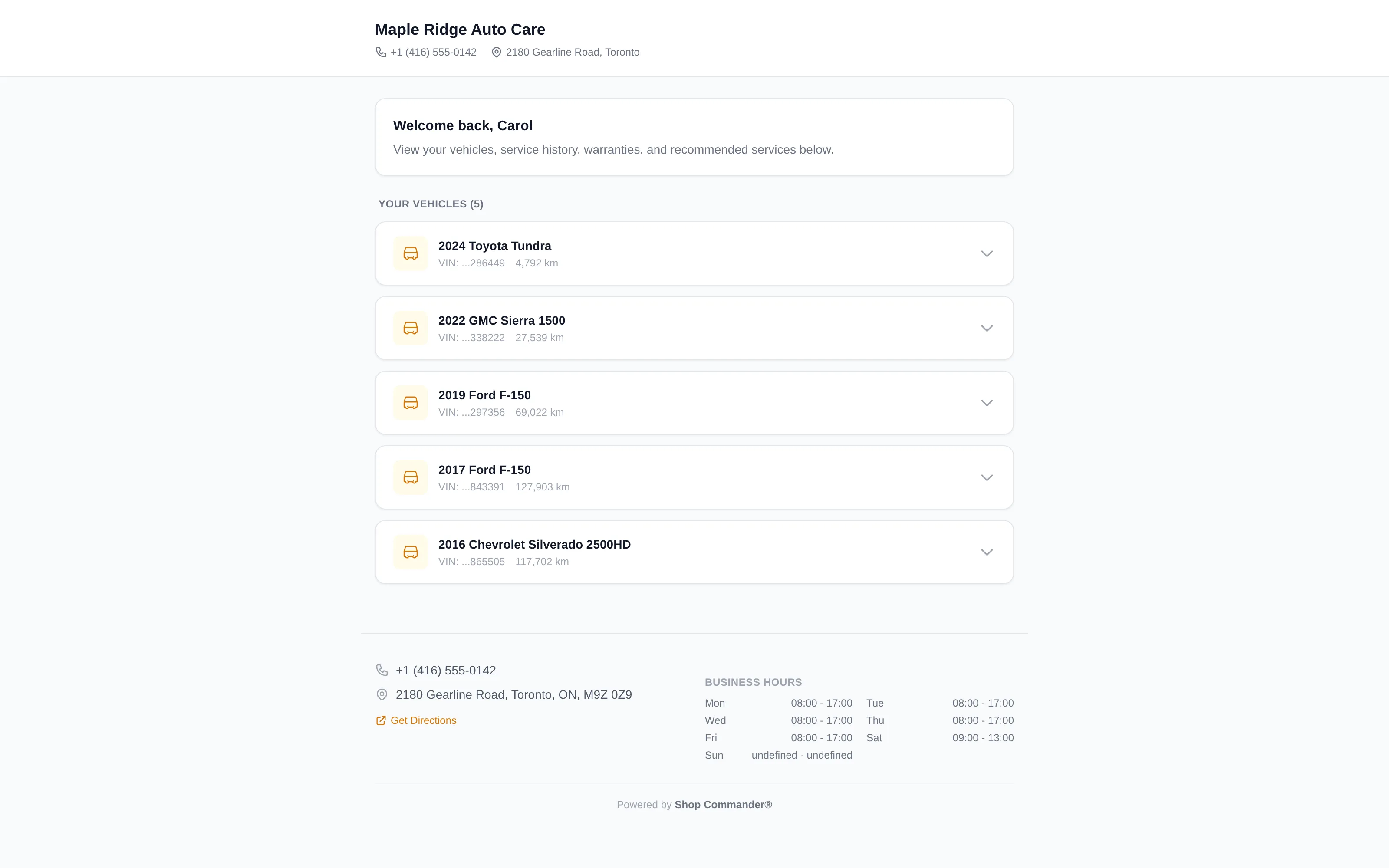
- Their vehicles — every registered vehicle with its specs.
- Service history — a chronological timeline of visits with dates, totals and remaining balances. Invoice PDF and Payment receipt PDF are available for explicitly released posted invoices; receipts require a recorded payment. The portal and document release must both remain current. Revoked or expired document links do not become accessible through the portal.
- Inspection reports — published reports with a current share link.
- Active warranties — current coverage across all their vehicles.
- Recommended services — previously declined work and its recorded severity.
- Book an appointment — a direct link to your online booking page.
- Your shop's info — name, logo, phone, email, address, and business hours.
The portal answers "when did I last do my brakes?" before the phone rings — and puts your booking link in front of them at the exact moment they realize work is due.
Customers can use Copy private portal link to save a working bookmark or reopen their portal on another device. The copied link grants access to that customer’s portal; the temporary address displayed during a visit does not. If clipboard access is unavailable, the portal exposes the private link for manual copying after the customer requests it. Expiry and revocation still apply.
Vehicle cards state whether their details are expanded. A collapsed card explains how to restore the history; an expanded vehicle with no active warranty shows that state explicitly.
Loaner agreements show the odometer unit recorded at checkout. Older agreements with no captured unit say unit not recorded. A signed agreement shows the recorded signer, signature and signing time; after the shop records the return, the same link includes the return time, odometer and fuel. Use Print or save PDF to keep a copy while the private link is valid.
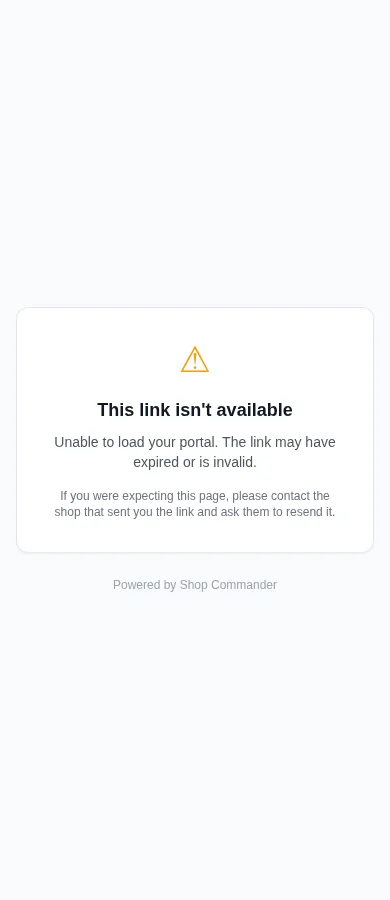
When a shared link is unavailable
Unavailable portal and inspection links explain that the link may have expired or become invalid and ask the customer to contact the shop for a fresh link. Staff inspection previews retain their separate access/completion guidance.