Access Control
Understand standard and custom roles, effective permissions, per-person overrides, scopes, and authoritative enforcement.
Access Control determines actual authority after the employee identity and role template are known. Hiding a button is helpful presentation; server permission and shop checks remain authoritative.
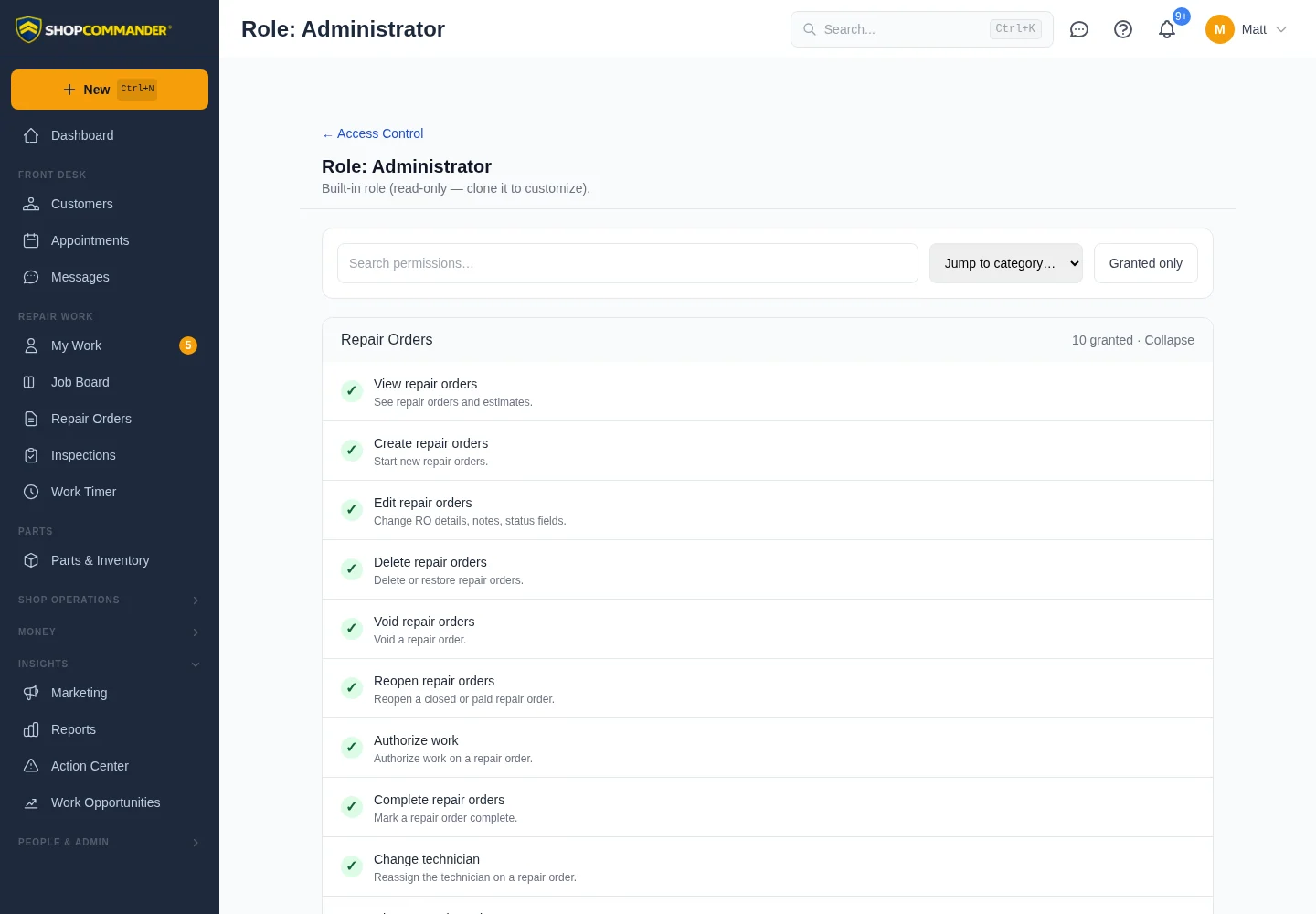
Standard role templates
Current standard templates are Owner, Administrator, Manager, Service Advisor, Technician, and Apprentice. They provide a governed starting point for access and role-adaptive Home. They do not override record lifecycle, feature readiness, provider state, or scope.
Custom roles
Create or clone a custom role when the shop needs a different business responsibility such as parts-focused or restricted finance access. Give only the abilities required. A custom role’s Home is derived from explicit grants and safe fallback rules; ShopCommander does not guess from a misleading role name.
Per-person overrides and scopes
Where the current UI allows it, a grant or denial can adjust an individual without changing everyone assigned to the role. Review the displayed source of access and any shop scope limit. Temporary access must have the current expiry/review behavior visible before relying on it.
Change safely
Before saving, consider which navigation, route, action, report data, readiness detail, guidance, and background polling depend on the permission. A user losing access should receive a clear forbidden/recovery result without sensitive configuration detail.
History
Access changes retain actor/time and before/after evidence in the current access history. Deactivating an employee prevents current use without erasing their historical actions.