Support
Message the Shop Commander team from inside the app — one conversation across web, mobile, and email.
When something in Shop Commander isn't behaving — or you just have a question — Support puts you in a direct conversation with the Shop Commander team, without leaving the app.
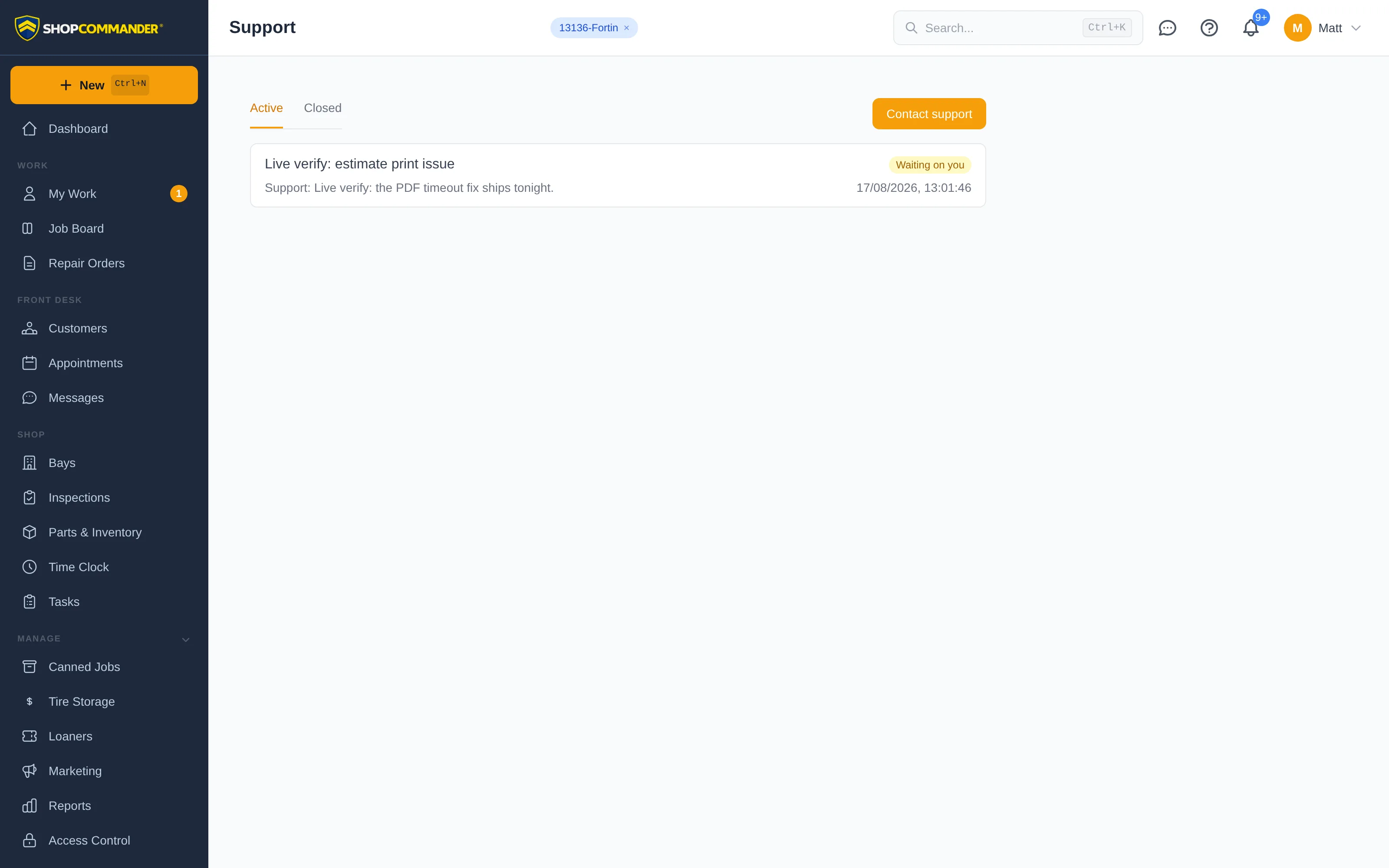
Starting a conversation
Open Support in the sidebar and click Contact support. Describe what's happening in plain words, and optionally tell us what it relates to — the repair order, customer, or vehicle you were working with. Shop Commander automatically includes technical context (like which page you were on) so we can usually see what went wrong without a round of twenty questions.
Before you send, Support offers matching documentation for the page you were on and for what you typed — sometimes the answer is one click away. The Send button never waits on that: if you want a human, you get a human.
One conversation, wherever you are
A support conversation is persistent. If we reply in twenty seconds it feels like live chat; if it's after hours, the same conversation picks up right where it left off — nothing disappears when a window closes.
- Replies appear in the app (web and mobile) with an unread badge on Support in the sidebar and a notification you can tap.
- When support email delivery and inbound processing are configured, replies can also arrive by email, and a valid reply is added to the same conversation. Use the in-app thread if email delivery is unavailable.
Status at a glance
Each conversation shows who the ball is with:
- Open — with support: we're on it.
- Waiting on you: we replied or need more information.
- Closed: resolved. Replying to a closed conversation reopens it.
Who can see what
You always see the conversations you opened. Owners, administrators, and managers can also see the shop's other conversations — useful when a billing question or a bug report needs a second set of eyes.