Signing In & Your Account
Invitations, passwords, email verification, and getting back in when you're locked out.
Every person in the shop signs in with their own email address and password. This page covers the account flows around that login: joining by invitation, resetting a forgotten password, and keeping your email verified and up to date.
Joining your shop by invitation
When an authorized shop administrator uses the supported invitation flow, you receive an invitation email. The link lets you choose a password, and accepting it verifies the invited address. After that, sign in with your individual identity.
Invitation links are single-use. If one has expired or was consumed, ask an authorized administrator to issue a current invitation. Existing employee identities and actual access are managed through Settings → Employees and Access Control.
Requested access from shopcommander.com?
If you asked for Shop Commander through the website, your access arrives as an email invitation. The link opens a page that already knows your shop's name — choose a password and your shop is created on the spot, ready to use. If your email already has a Shop Commander account, the new shop is simply added to it and you sign in as usual.
Forgot your password?
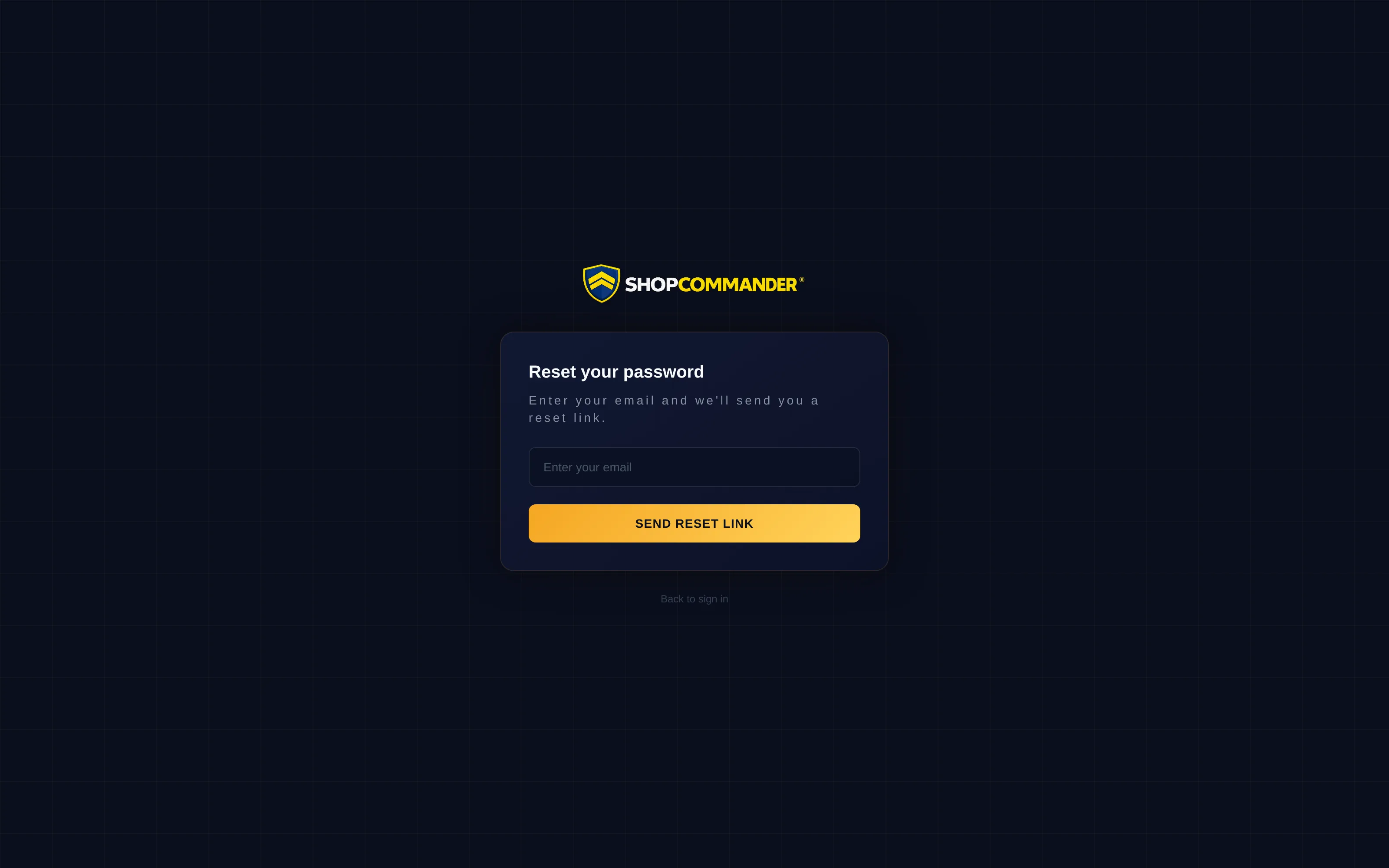
Hit Forgot password on the login screen and enter your email. If there's an account for it, a reset link arrives in your inbox — follow it, pick a new password, and sign in. Reset links are time-limited and single-use, and requesting one never locks the account, so it's always safe to try.
For security, changing your password signs out every other session on every device — so if a tablet in the bay was left signed in, a reset from your phone closes it too.
Verifying your email
Your email address is your login, so it needs to be verified. If you signed up before verification was in place, or a manager typed your address in for you, you may be asked to verify — the link in the verification email finishes it with one click.
Changing your email
You can change your login email from your Profile. The change takes effect when you confirm it from a link sent to the new address — so a typo can't lock you out, and nobody can move your account to an address they don't control. Confirming the change also signs out your other sessions.
One login, multiple shops
If you work at more than one shop that runs Shop Commander, one account covers all of them. Sign in once, pick the shop you're working in, and switch shops anytime from the sidebar — your role and permissions follow each shop separately.